Google Pay Casinos UK
Google Pay is the mobile wallet for your Android phone: add your card once, tap it in the cashier, confirm with a fingerprint or face scan, and you are done. The deposit lands instantly and you never key in a card number again. On this page we explain how Google Pay works at a UK casino, how fast and secure it is, why the card behind it has to be a debit card, and how you still get your winnings out — because Google Pay handles the money going in, and payouts come back a different way.
Top Picks, Ranked

More detailsHide details

More detailsHide details

More detailsHide details

More detailsHide details

More detailsHide details

More detailsHide details

More detailsHide details

More detailsHide details

More detailsHide details

More detailsHide details
#ad · 18+ · T&Cs apply · BeGambleAware.org
Google Pay at UK casinos — paying with your Android Google Pay is a mobile wallet in which you store your Visa or Mastercard, then pay contactlessly without re-entering the card each time. At an online casino it acts as a very fast cashier: you choose Google Pay, approve the payment on your Android device with your fingerprint or face, and the balance is on your player account instantly. The appeal is convenience — especially on a phone, where typing long card numbers is a chore. One framing matters from the outset: Google Pay is a deposit method, not a standalone balance like an e-wallet. It is a mobile wrapper around your stored card, so there is no such thing as a withdrawal "to Google Pay" — winnings travel back another way, which we cover below. It is also worth being straight about availability. On our shortlist, Google Pay is not yet listed by every operator the way Apple Pay is, and its rollout across UK casinos is still ongoing. Because it draws on the same debit card these sites already accept, where a brand offers Google Pay the experience is identical to its card and Apple Pay checkout — instant, tokenised and biometric. If you want the strongest all-round names to start from, our ranking of the best online casinos in the UK is the place to look, led by bet365 (9.2/10), PlayOJO (9.0/10) and Sky Vegas (8.7/10). If a brand you like does not list Google Pay yet, you lose nothing by depositing with the same debit card directly — the money moves at the same speed and under the same terms, just without the tap-to-pay shortcut. It helps to think of Google Pay as a faster front door to a card you already hold, rather than a separate account to fund.
What you need: Android, a debit card, biometrics Google Pay asks for little, but a few things have to be in place. First, an Android phone with the Google Wallet app installed — on an iPhone this role is filled by Apple Pay instead. In the app you add a Visa or Mastercard, which your bank has to approve for Google Pay; most major banks support it, and a few ask for a quick confirmation. Then there is the UK point you must respect: casino play cannot be funded by a credit card, so the card you use with Google Pay for deposits has to be a debit card. A credit card will still sit happily in your wallet for shopping, but a casino deposit through it will be declined. Finally, set up a screen lock and biometric approval — fingerprint or face scan — so nobody can pay with your device but you. Because a debit card is charged underneath, everything true of a normal card deposit is true here, which makes our guide to Mastercard casinos a natural companion. With the groundwork done once, every future deposit at a site that offers Google Pay is just a tap and a fingerprint. It is genuinely a one-time setup: add the card, pass your bank's approval, switch on biometrics, and you never handle those sixteen digits again on that device.
How to deposit with Google Pay In the cashier the flow is short. You open the cashier, select Google Pay, enter the amount, and approve the payment on your phone with a fingerprint or face scan. The balance is there straight away and you can head to the slots — no card number, expiry date or security code to type. That is precisely what makes Google Pay so quick on a phone. Because your Visa or Mastercard debit card is charged in the background, the same conditions apply as with a standard card deposit: instant credit, normally no fee from the casino, and the usual minimum and maximum amounts in the cashier. Across our list the minimums sit around £10 — the figure bet365, PlayOJO, MrQ, Paddy Power and 888casino all use — so a Google Pay deposit at one of these brands would follow the same floor. One aside worth keeping in mind: as with other card and wallet routes, a welcome offer can occasionally be tied to particular methods, so a glance at the bonus terms before your first deposit never hurts. If a site does not show Google Pay in the cashier, a plain debit card deposit gives you the identical result.
A couple of practicalities are worth flagging. Your bank has to enable the card for Google Pay before it will work, and while most major UK banks do this automatically, a few ask you to confirm through their app the first time. Deposit limits are set by the operator and your bank rather than by Google, so a declined top-up is usually a card ceiling rather than a fault — splitting the amount, or checking the contactless limit in your banking app, normally resolves it.
Withdrawals: Google Pay is a one-way street This is the most important point to take away: Google Pay is for deposits only. You cannot have winnings paid "to Google Pay", because the wallet is not a balance in its own right — it simply passes your card through. For withdrawals you therefore pick another route the operator offers, most often a return to the debit card behind the wallet, a bank transfer, or an e-wallet where available. Card returns and bank transfers usually take a few working days: bet365 is the exception that clears e-wallet exits in around one to three hours, while brands such as Sky Vegas, Grosvenor, Ladbrokes and 888casino quote roughly one to three days for card and bank payouts. If you want your money back faster, many players pair the convenient Google Pay deposit with a quick two-way e-wallet such as PayPal for the exit. And if payout speed is your priority, our ranking of the fastest-paying UK casinos sorts operators specifically on how quickly they release funds, whichever method you land on. The practical takeaway is simple: deposit with Google Pay for speed and comfort, and decide your withdrawal method in advance rather than at the moment you want to cash out. When winnings do come back to the card behind Google Pay, the timing you see is the card network's rather than Google's: the operator approves the payout, and the money posts to your debit card over the next working days. Many sites return funds to the exact card you deposited from as an anti-fraud step, so if that card has expired or changed, let the operator know before you withdraw to avoid a hold while they confirm where to send it.
Security: tokenisation and biometric approval Security is one of Google Pay's biggest strengths. When you pay, it does not transmit your real card number; it sends a device-specific substitute — a token — that would be useless to anyone who intercepted it, because it is bound to your device. On top of that, every payment is released by your biometrics: no fingerprint or face scan, no transaction. The casino, in other words, never sees your actual card number at all. The usual ground rules still apply — keep your screen lock on, pay over a network you trust, and keep an eye on your statements — but the design removes the most common risk, which is a card number sitting in a form to be stored and potentially exposed. Together with an established operator that encrypts the connection, this makes Google Pay one of the safest ways to deposit from a phone. It is the same tokenised, biometric model that underpins Apple Pay, so if you have used one you already understand the protection the other gives you. One thing tokenisation does not do is create a pot of money: Google Pay holds no balance of its own, so there is nothing to leave lying around, and it cannot be used to get around a deposit limit you have set — each payment still runs through your bank as normal.
Fees, pros and cons at a glance For Google Pay deposits, operators generally charge nothing — though it is still worth a quick check in the cashier. Because your card is charged underneath, only your bank's usual terms could ever apply. The strengths are clear: an extremely fast, convenient deposit on your phone, no card entry, strong protection from tokenisation and biometrics, and usually no fee. The limits are equally clear: it is Android-only (on an iPhone you would use Apple Pay), it is not yet offered by every operator, and — most importantly — it cannot pay you out, so you need a second method for withdrawals. The table sums it up.
| Feature | Google Pay at a UK casino |
|---|---|
| Deposits | Yes — instant |
| Withdrawals | No — routed to your debit card, bank or e-wallet |
| Underlying card | Debit only (no credit cards for casino deposits) |
| Device | Android phone or watch with Google Wallet |
| Deposit speed | Instant |
| Fees | Usually none |
| Min deposit | Typically £10 |
Read as a whole, Google Pay is an ideal deposit rail that you round out with a suitable withdrawal method — pick the pairing once and the rest is just a tap and a fingerprint each time.
Who should use Google Pay — and playing safely Google Pay is the natural choice if you play on an Android phone and want quick, secure deposits with no typing. For topping up on the go, little is more convenient. If you would prefer one method to cover both directions, a two-way e-wallet or PayPal is the better fit, or you can accept the slightly longer wait of a card return for withdrawals. Whatever you settle on, stay on trusted sites. Every operator we recommend is an established UK brand that takes part in GamStop, the national self-exclusion scheme, and completes standard identity checks on each account. Those checks and self-exclusion tools are there to protect you, and sticking to brands that run them is the simplest safety habit there is. None of this needs to be complicated: set a deposit limit when you first fund an account and only ever revise it downwards; if you want to step away from every UK site in one move, GamStop lets you self-exclude in a single registration; and use the operator's reality checks, cool-off periods and time-outs as soon as play stops being fun. Set a deposit limit that fits your budget, use the reality checks and time-outs your operator offers, and treat the biometric prompt on each Google Pay deposit as a small, deliberate moment to confirm you really want to top up.
How we rate We assess every payment method against the same five checks: how easy the deposit is, whether a withdrawal is possible, how fast it runs, whether any fees apply, and how well your data is protected. That framework is how we ordered the operators above, using the scores and notes in our operator data. Our ratings are based on publicly available information and our own research, not a hands-on test.
Our Six-Point Review Method
Operator vetting
Each brand independently checked and verified before it's listed.
Withdrawal testing
Real-money deposits and withdrawals, timed end to end.
Bonus fairness
Every promotion read in full: wagering, max bet, game contribution, expiry.
Verification friction
What documents are requested, when, and how long processing takes.
Support quality
Live-chat response times and email turnaround, documented per brand.
Monthly refresh
Findings revisited at least monthly to catch operator changes.
Every payment method goes through the same five checks: deposits, withdrawals, speed, fees and security. Our ratings are based on publicly available information and our own research, not a hands-on test.
The Shortlist, In Detail
bet365 Casino
bet365 pairs one of the widest casino catalogues in the UK with the operational reliability its sportsbook is known for. Payouts are quick and predictable, PayPal is supported both ways, and the app is among the best in the market. A dependable all-rounder that rarely gives players a reason to complain.
Sky Vegas

Sky Vegas leans on exclusive Sky-branded slots and a recognisable, trusted name. The registration spins carry no deposit and no wagering, the platform is clean on mobile and the daily Prize Machine keeps regulars engaged. Withdrawals are steady rather than instant and e-wallets aren't accepted, but the exclusive library and brand familiarity make it a comfortable first pick for UK players.
PlayOJO

PlayOJO's entire pitch is fairness: nothing it gives you carries wagering, so winnings from spins or bonuses are yours to withdraw immediately. In a market built on playthrough small print, that is a genuine differentiator — and the reason PlayOJO ranks near the top of almost every value-led list on this site.
MrQ

MrQ keeps things simple: its welcome spins carry no wagering, there is no cap on what you can win from them, and the site runs without a loyalty scheme or a wall of small print. Add exclusive Goosicorn games, a strong high-RTP slot shelf and payouts that regularly land within a couple of hours, and you have one of the cleanest experiences in the UK.
Paddy Power Games
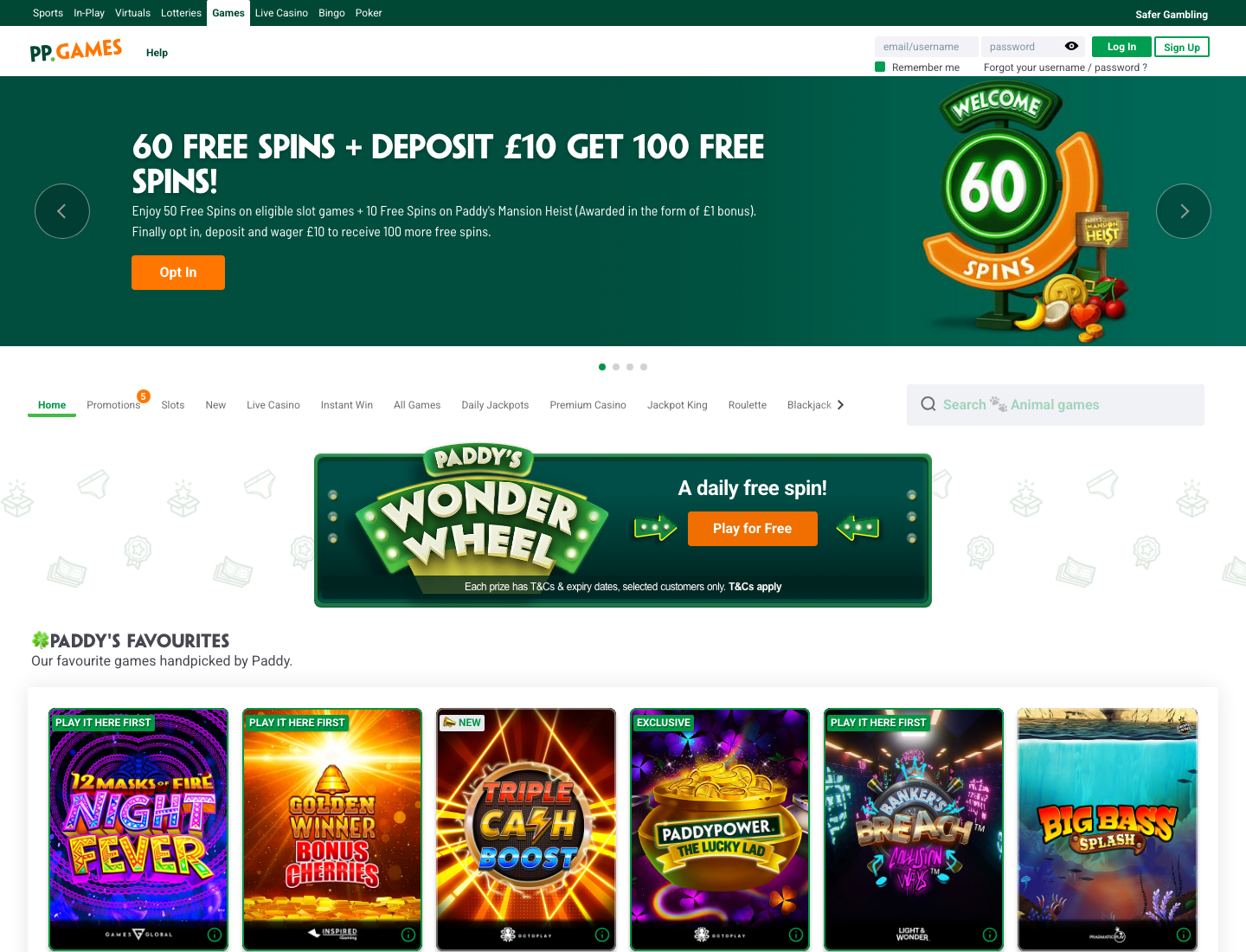
Paddy Power brings its big-brand recognisability and sportsbook crossover to a solid casino with exclusive slots and a reliable app. The welcome package is one of the largest wager-free spin bundles in the UK, one account covers casino, sports and games, and withdrawal minimums are unusually low. The live lobby is smaller than the biggest rivals', but the basics are always well covered.
Virgin Games

Virgin Games offers a friendly, trusted brand with a good stock of exclusive titles and a straightforward loyalty scheme. It won't overwhelm you with choice, but everything works cleanly, the daily free games are a nice touch and the welcome spins ask for very little. A dependable pick for players who value a familiar name.
Grosvenor Casinos
Grosvenor's land-based heritage shows in one of the strongest live-casino offerings in the UK — real tables streamed with proper production, some from its own venues. The online catalogue is broad, the Jackpot King network keeps pots climbing, and the account works across its high-street casinos too. A natural home for live roulette and blackjack players.
Ladbrokes Casino

Ladbrokes puts casino and sportsbook under one roof with the backing of a major operator. The slot and live libraries are among the deepest in the UK — 2,000+ titles, 100 or so live tables and a stack of exclusives — and the app is polished. Nothing flashy, but a big, established brand that handles the fundamentals reliably.
#ad · 18+ · T&Cs apply
William Hill Casino

William Hill is one of the most recognisable names in UK gambling, and its casino matches the reputation: a large library, a strong live-dealer suite with themed Sports Lounge tables, and a joined-up account across casino and sport. Payouts are reliable, minimums are low and support is well resourced. A big-brand choice.
888casino
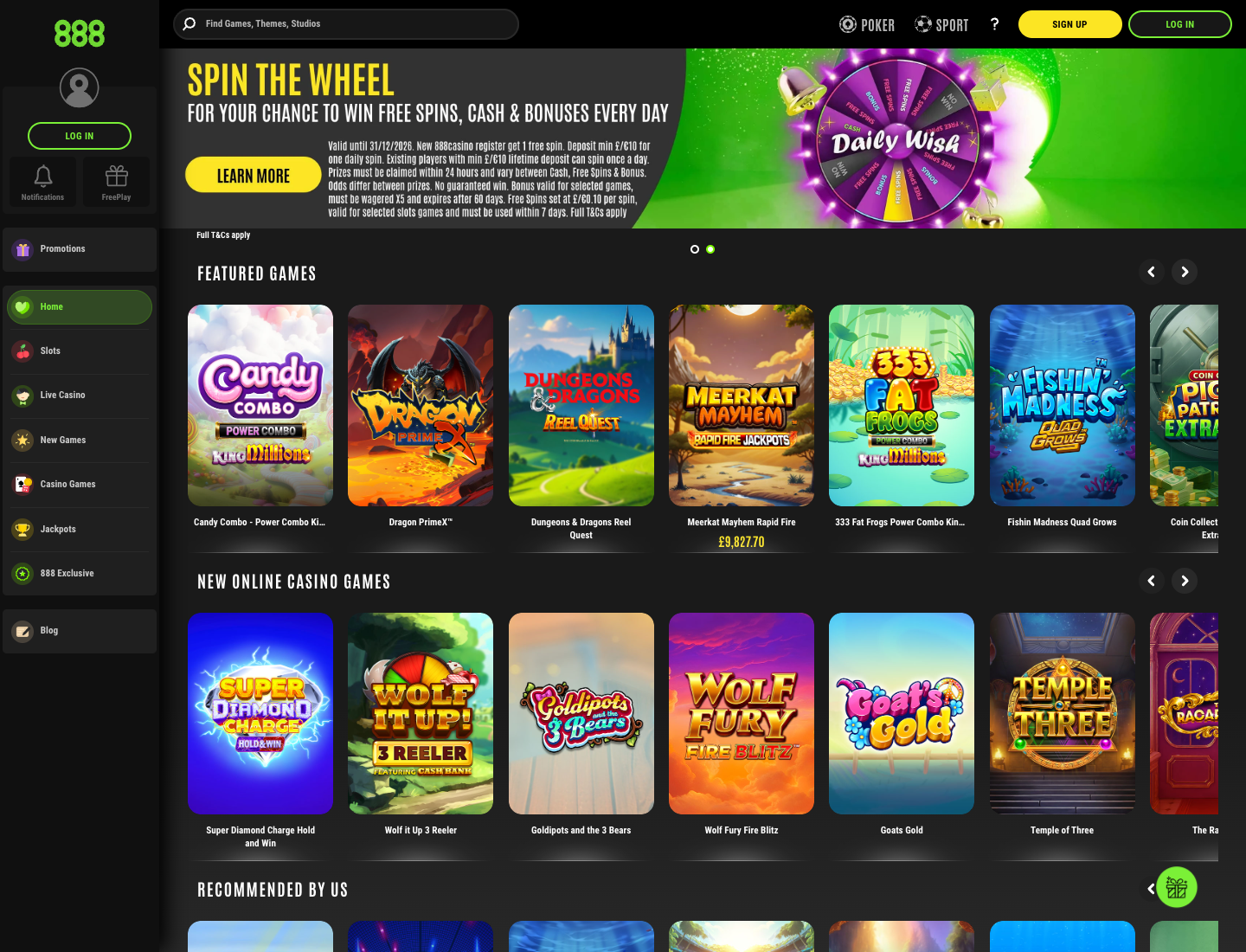
888 is one of the longest-running online casinos in the world, and one of the few running its own game studio — so you'll find exclusives here you won't get elsewhere. The platform is polished across desktop and mobile, the welcome match is straightforward, and the daily Wish Wheel and jackpot drops give regulars something to come back for.
FAQ
Can I deposit with Google Pay at a casino?
Can I withdraw winnings to Google Pay?
Does Google Pay have to use a debit card?
Do I need a particular device?
Is Google Pay safe?
Are there fees for using Google Pay?
How fast is a Google Pay deposit?
Are the casinos you list GamStop-registered?
Google Pay is the fastest, most convenient way to deposit on an Android phone: tap, approve with your fingerprint, and play at once, with tokenisation keeping your card details out of the casino's hands. Just remember there is no withdrawal "to Google Pay" — pair the quick deposit with a suitable payout method, complete your verification early, and set a limit you are comfortable with before you begin.
18+ · BeGambleAware. Please gamble responsibly.
More Casino Guides
All casino guides →- GAMSTOP self-exclusion is available at gamstop.co.uk.
- GamCare: 0808 8020 133 (free, 24/7) and gamcare.org.uk.
- BeGambleAware: begambleaware.org.
- Bet only what you can afford to lose.
Last reviewed 20 October 2026